TranslateLive - Real-Time Audio Translation for Chrome (Zoom, Google Meet, YouTube, and any website)
Real-Time AI Translation for Zoom, Google Meet & Any Video
Translate any video, meeting, or stream instantly — voice + subtitles. Works on YouTube, Zoom, Google Meet, and any website in your browser.
10 free minutes • No credit card required
How Does Real-Time Video Translation Work in Chrome?
Install Extension
Add TranslateLive to Chrome in one click. No setup required.
Start Any Video
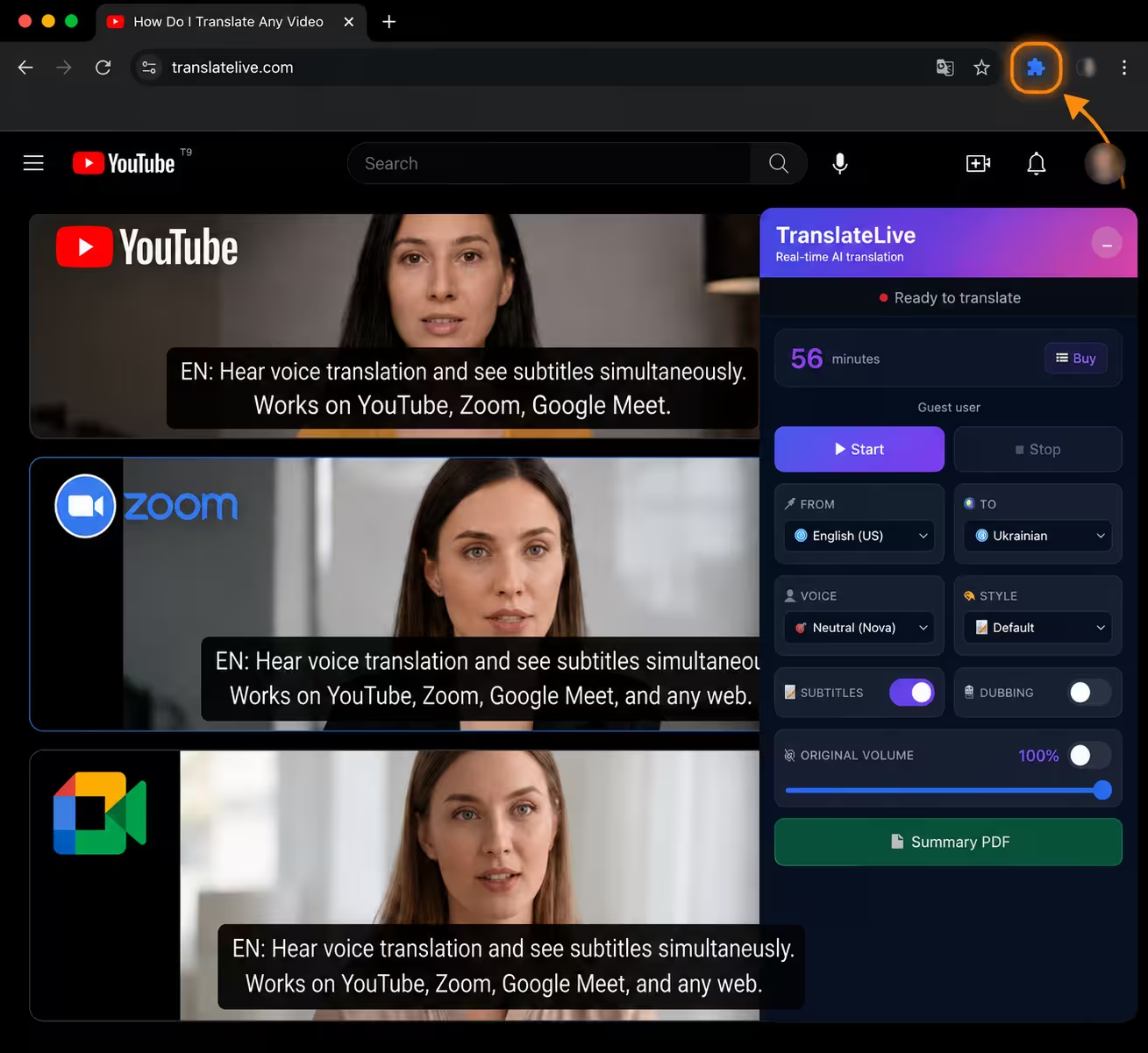
Open YouTube, Zoom, Twitch, Google Meet, Vimeo or any site with audio. Click the extension icon.
Get Real-Time Translation
Hear translated audio and see subtitles instantly. Control volume separately.
How Do I Translate Any Video in Chrome in Real Time?
Install TranslateLive Chrome extension and click the icon on any tab with video or audio. The extension instantly translates speech from 60+ languages — you hear voice translation and see subtitles at the same time. Works on YouTube, Zoom, Google Meet, and any website.
Does the Chrome Extension Translate Video With Voice and Subtitles?
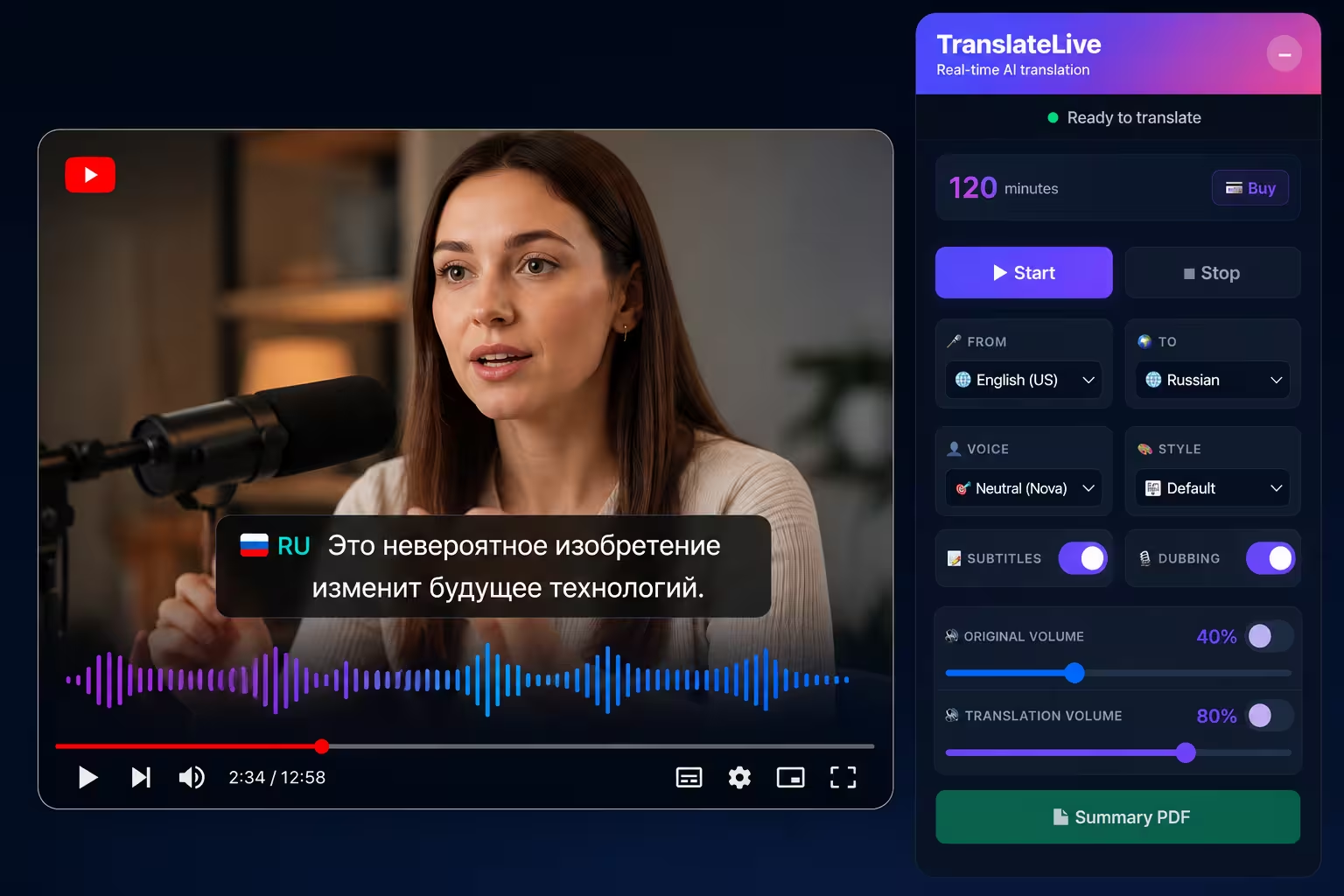
Yes. TranslateLive delivers both voice translation and live subtitles overlaid on the video simultaneously. The built-in audio mixer lets you adjust the volume of the original audio and translation separately.
How to Translate Any Video to Any Language Automatically?
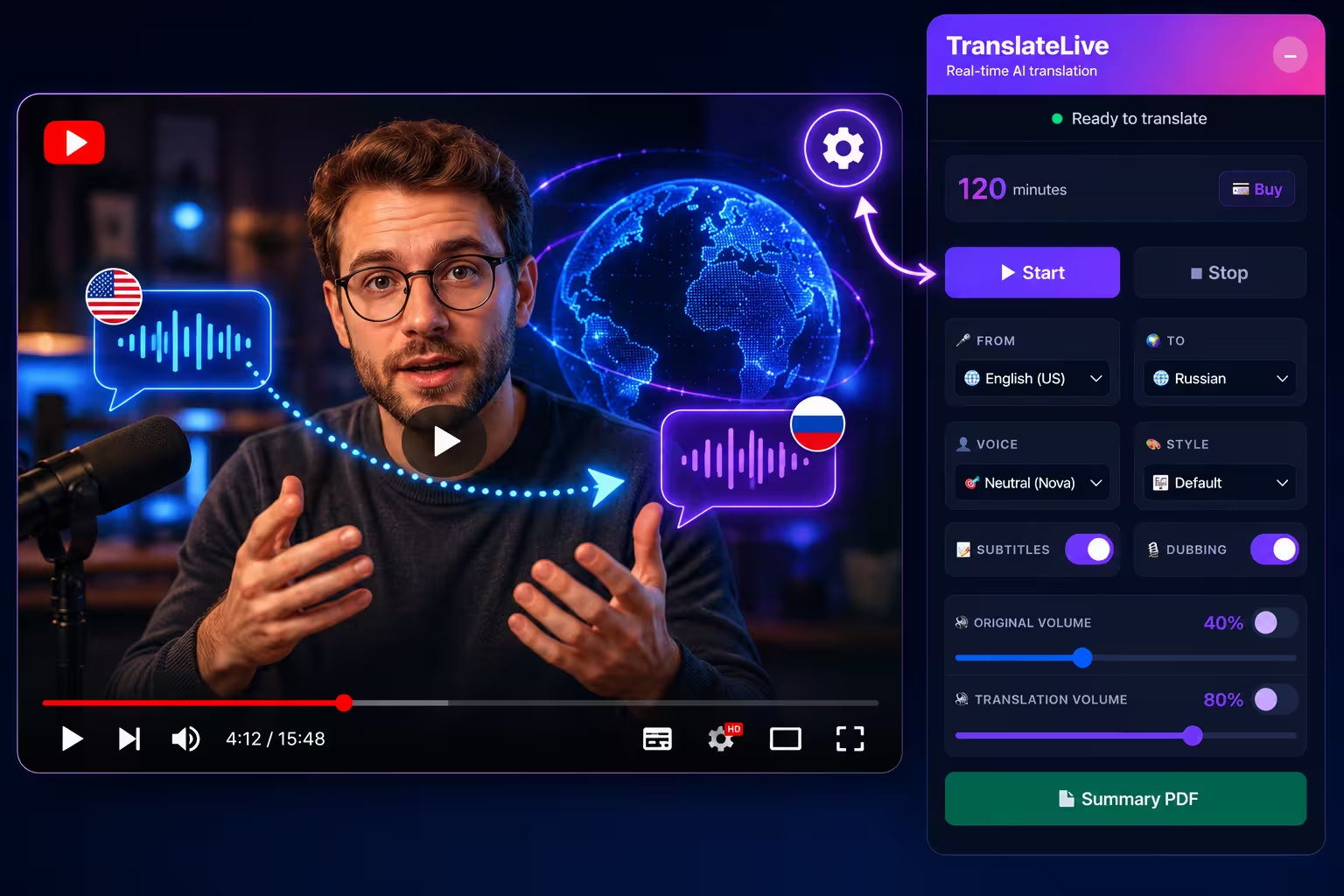
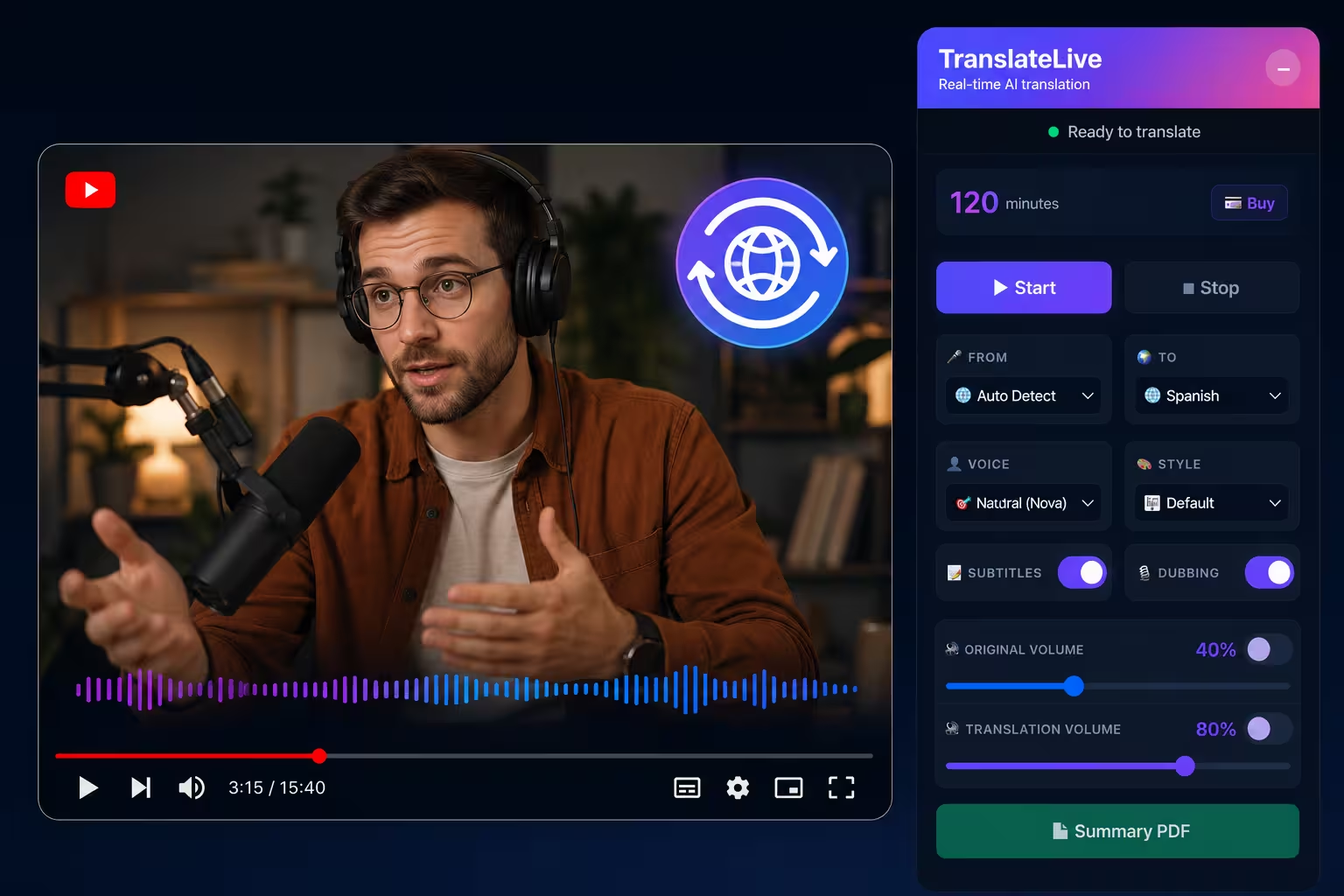
TranslateLive auto-detects the language of any video playing in Chrome and translates it into your chosen language. No manual setup needed — select your target language once in the extension settings and translation starts automatically.
Is There a Free Chrome Real Time Translator for Videos?
Yes. TranslateLive offers a free trial — 10 minutes with no credit card required. Paid plans start from €29/month for extended translation hours with AI voice.
Why Is TranslateLive the Best Chrome Extension for Zoom & YouTube?
50+ Languages
Translate between English, Spanish, Russian, Ukrainian, French, German, Chinese, and 40+ more languages.
Quality Translation
Meaningful translation like from a live interpreter: full context, not word-for-word. Choose translation style: scientific, everyday, for children, and more.
Separate Volume Control
Adjust original audio and translation volume independently. Make translation louder or mute original.
AI-Powered Quality
Uses DeepL for natural translations and OpenAI for accurate speech recognition.
Works Everywhere
YouTube, Zoom (web), Twitch, Netflix, Google Online Courses, Google Meet, Vimeo, meetings – any site with audio in Chrome.
Your Privacy First
Audio processing happens on secure servers. We don't store your conversations or personal data.